Accepted & Deposited Students

Accepted & Deposited Students

Welcome to Stephens!

We are looking forward to your arrival on campus. In the meantime, you have several steps to complete. Please review our Incoming Student Checklist and complete all the steps that are relevant to you. And please reach out if you need assistance — we are more than happy to help!

Steps After being Accepted

Step 1: Visit Campus

If you haven’t made your college selection and have not visited campus, now is the time. Schedule an individualized visit or come to a Preview Day to learn more and to help make an informed decision. Students who visit campus will receive $1000 scholarship for the 2026-2027 academic year.

Step 2: File Your FAFSA

File your FAFSA if you haven’t already, file your FAFSA (the Free Application for Federal Student Aid), which also serves as your application for financial aid at Stephens. We use this information to help determine the aid, grants and scholarships for which you may be eligible. For more information, visit the Office of Financial Aid. You are always welcome to contact finaid@stephens.edu with your questions, too. Stephens’ FAFSA code is 002512.

Step 3: Submit Your Deposit

Confirm your enrollment at Stephens with your deposit. We use your date of deposit to assign housing, so you’ll want to secure your spot as soon as possible.

Steps After You Submit Your Deposit

Arriving on campus can feel overwhelming, so we’ve outlined key steps to guide you from now through your arrival. If at any point you have questions, please reach out to your admissions counselor or email admissions@stephens.edu

Step 1: Set up Your Stephens College Email

Check your email for a message from Stephens College Admissions. This email will be one to save.  It contains information on how to setup your Stephens College email, how to complete housing, and the Navigating Stephens course prior to arrival.

Important information about Stephens will be sent to this email address as you prepare to come to campus and throughout your time at Stephens, so be sure to get into the habit of checking it often.  

If you haven’t received information about your Stephens email address yet, contact your Admissions Counselor.  Your Admissions Counselor can resend your confirmation email.

Step 2: Register for Start Day

Start Day was created to help first-year students get ahead and feel fully prepared for their first semester—long before move-in day.

By completing key steps early and getting to know the campus and the people who will support you, you’ll arrive in August confident, connected, and ready to thrive.

During Start Day, you will:

  • Register for your first-semester classes
  • Get your Student ID
  • Tour the residence halls
  • Meet other incoming students
  • Complete any unfinished documentation
  • And more!

Parents are encouraged to attend and will follow their own specially designed program.

If the available times don’t work for your schedule, please contact your admissions counselor—we’re happy to help.

Register for Start Day

Step 3: Apply for Campus Housing

We are committed to the residential campus experience. Student learning outcomes are better, and our community is stronger when students live on campus. We encourage all students to live on campus for the duration of their education and have 12-month housing options available for students in year-round programs and those who need year-round housing.

Athletes receiving Stephens Stars Scholarships are required to live on campus while they receive their scholarship.

Living Off Campus Approval Requirements:

Appeal to Live Off-Campus

Stephens College students who are of freshman or sophomore status are required to live on campus and participate in the College’s meal plan unless they meet at least one of the exemptions listed below and meet with a Financial Aid counselor. Our financial aid packages are offered with the assumption that all students live on campus, and your institutional aid may be reduced by $10,000 if you live off campus.

  1. Students who live with their parent/grandparent within Boone County (verification of address required)
  2. Students who are 24 years of age or older (proof of age required)
  3. Students who are married (marriage license required)
  4. Students who have dependent children living with them

Bringing a Pet to Campus? Review Pet Programs + Register Your Pet:

Students who are living in pet-friendly housing (Pillsbury Hall 1st, 2nd or 3rd floors; Searcy Hall; or Tower Hall) may bring a pet to campus. You may also apply to foster a pet through the Stephens College partnership with Columbia Second Chance.

NOTE: Starting college and adjusting to residential life can be a big transition. Caring for a pet at the same time adds additional responsibility. Please take some time to consider whether both you and your pet are ready for.

Consent for Treatment of Minor in Health Services Form:

Students under 18 years of age before the first day of classes must have a parent/guardian complete a Consent for Treatment of Minor in Health Services Form.

The remaining steps can be completed
after you have registered for classes: 

Step 4: Complete the Navigating Stephens Onboarding Course

Navigating Stephens is an online orientation to be completed prior to the start of the semester.  Information on how to access Navigating Stephens are included in Stephens College Account Information email that came to you from admissions@stephens.edu.

Step 5: Set up a Tuition Payment Plan

Once you are registered for classes you will be able to set up your payment plan.  Student bills must be paid in full or have a payment plan in place before classes start for the semester.

Step 6: Order your Textbooks

Find what materials are required for your classes and get the best value on textbooks and course materials through Stephens’ official online bookstore

Step 7: Purchase a Parking Pass

If you are bringing a vehicle to campus and wish to park in designated student parking lots, you will need a Student Parking Pass.

You’ll need your driver’s license, insurance information, vehicle license plate number and vehicle identification to complete the form. Follow these instructions: 

  1. Set your browser to allow pop-ups
  2. Select the Group (Stephens College Security)
  3. Click “Write New Online Permit Registration”
  4. Choose the appropriate permit type
  5. Select “Annual” for permit period
  6. Select the appropriate affiliation
  7. Complete all information blocks in Step 2
  8. Complete all information blocks for your vehicle in Step 3
  9. Review all information
  10.  Finalize the purchase

Incoming Students

explore more

Next step? Pack your stuff and come to campus! We’ll have your room key ready for you on move-in day!

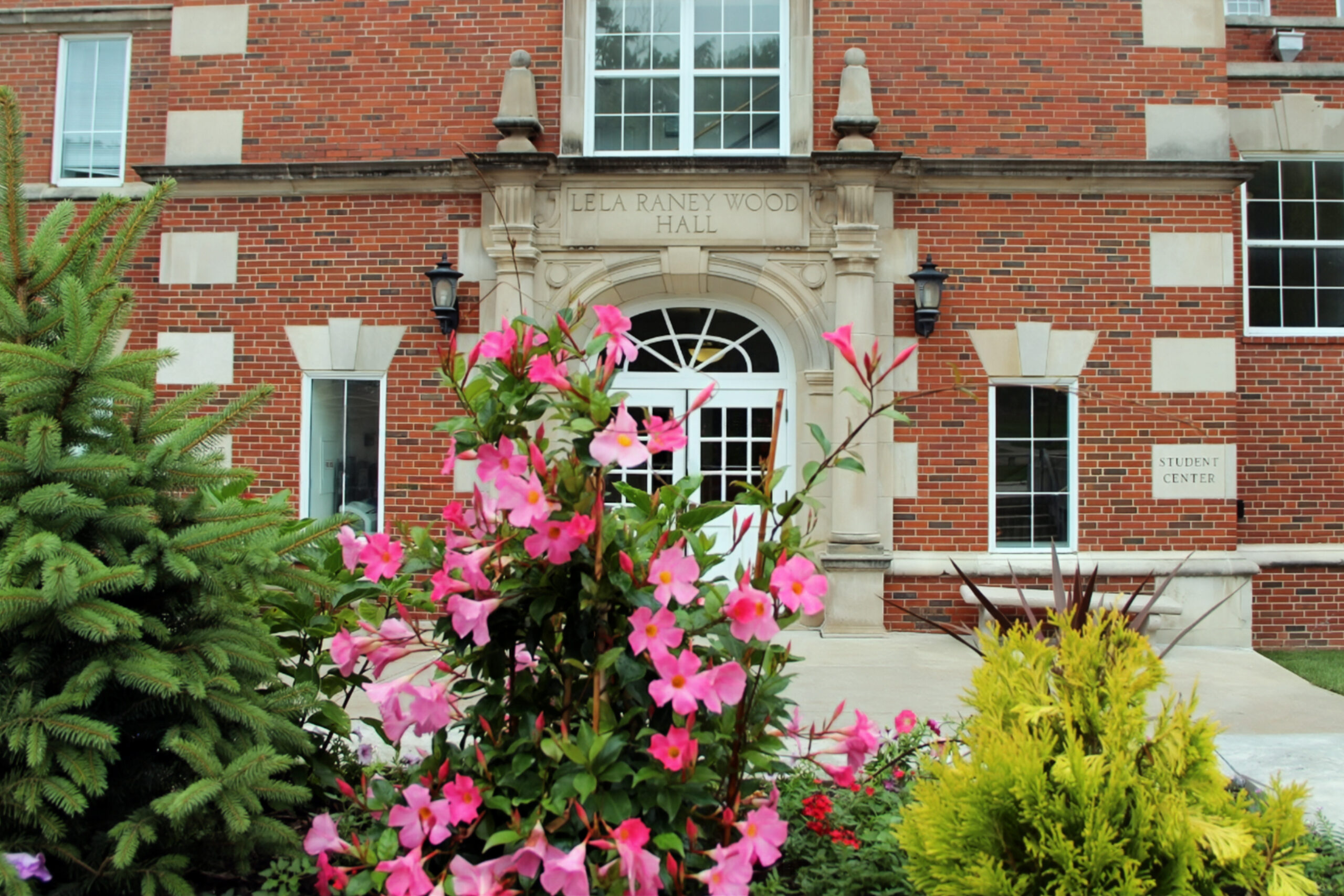
Azalea bush in front of academic building

have questions?

(573) 876-7207

(573) 876-7237

Contact Stephens College

6 N College Ave, Columbia, MO 65201

Need more direction?